Your clipboard,always at hand.
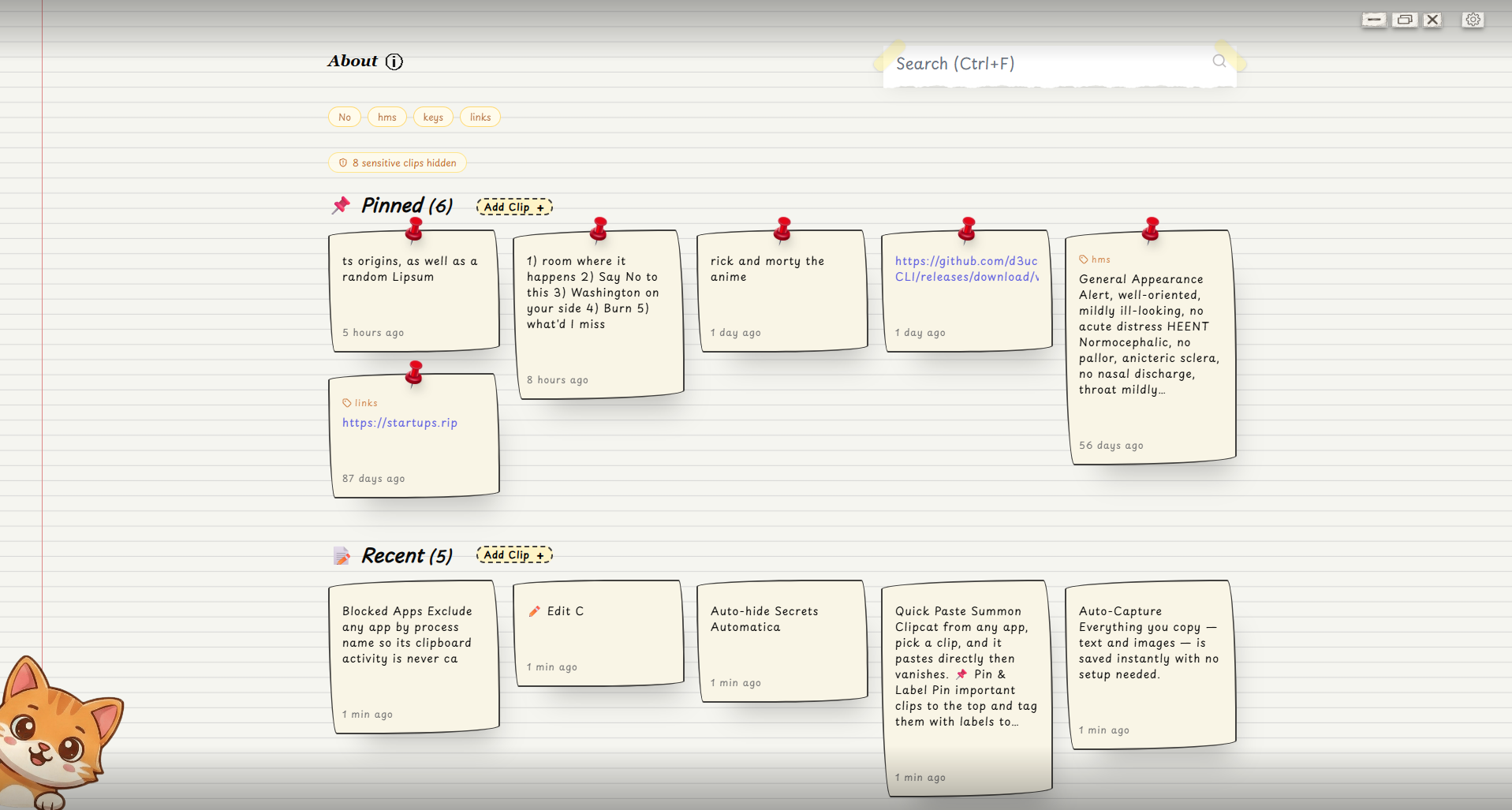
Everything you copy, text and images, is saved instantly on your machine.
Find it, reuse it, and move on.
Free & open source · No cloud · No account · No trackingWindows · macOS · Linux
Quietly captures everything,
then gets out of your way.
No setup. No accounts. Every feature is one copy, one key, or one click away.
Auto-Capture
Everything you copy, text and images, is saved the instant it hits your clipboard. Zero setup.
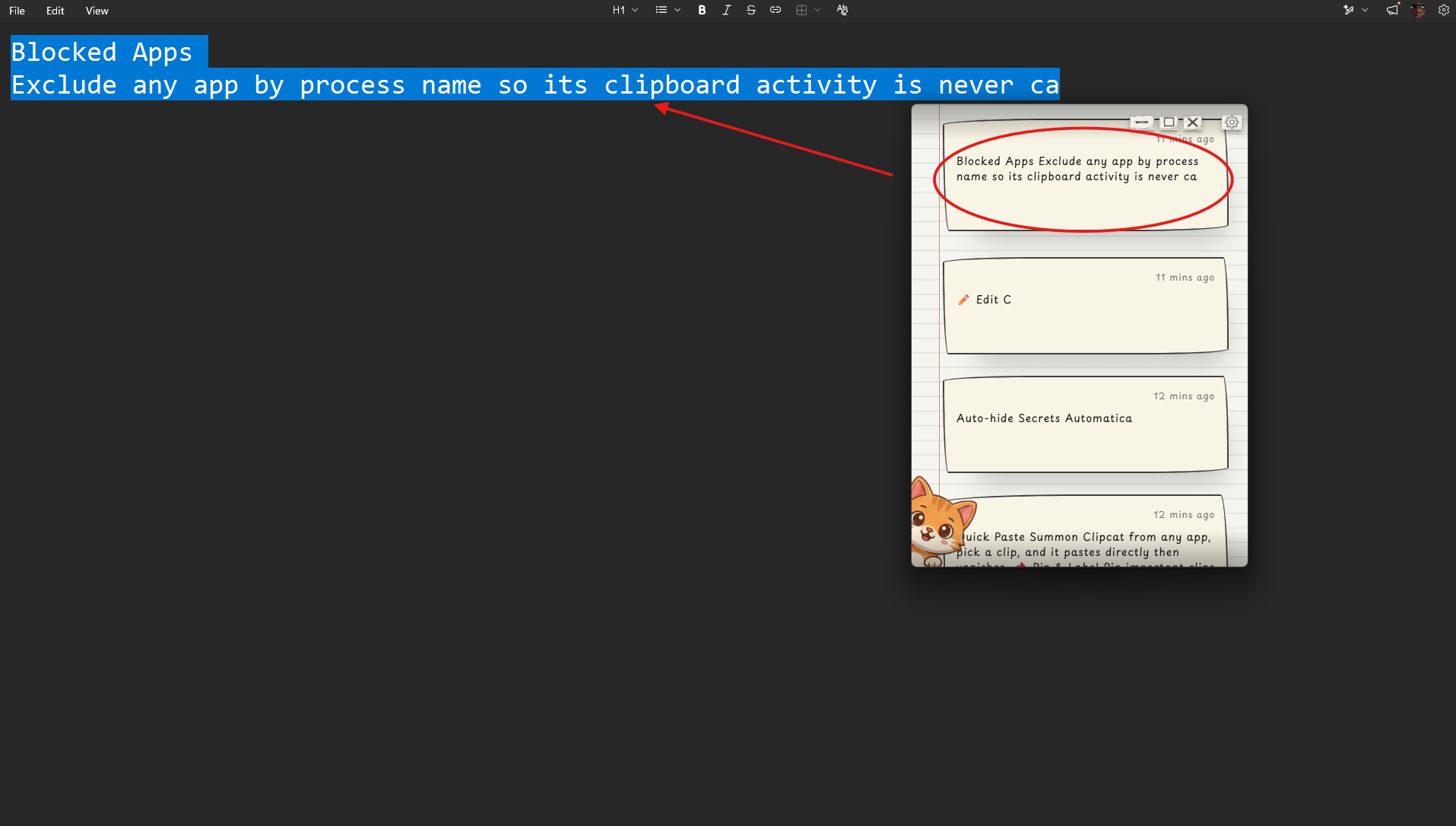
Quick Paste
Summon Clipcat from any app, pick a clip, and it pastes into your previous window, then vanishes.
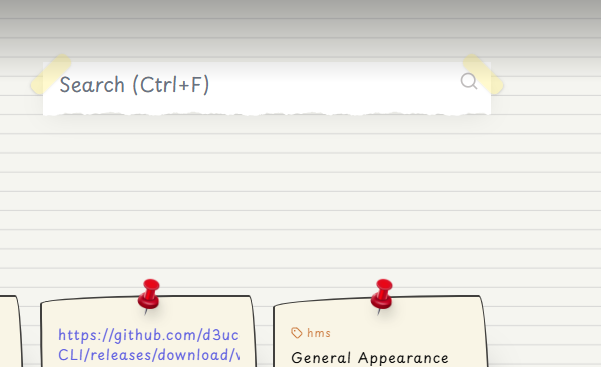
Instant Search
Filter your entire history in real time with one shortcut. It matches clip content, not just titles.
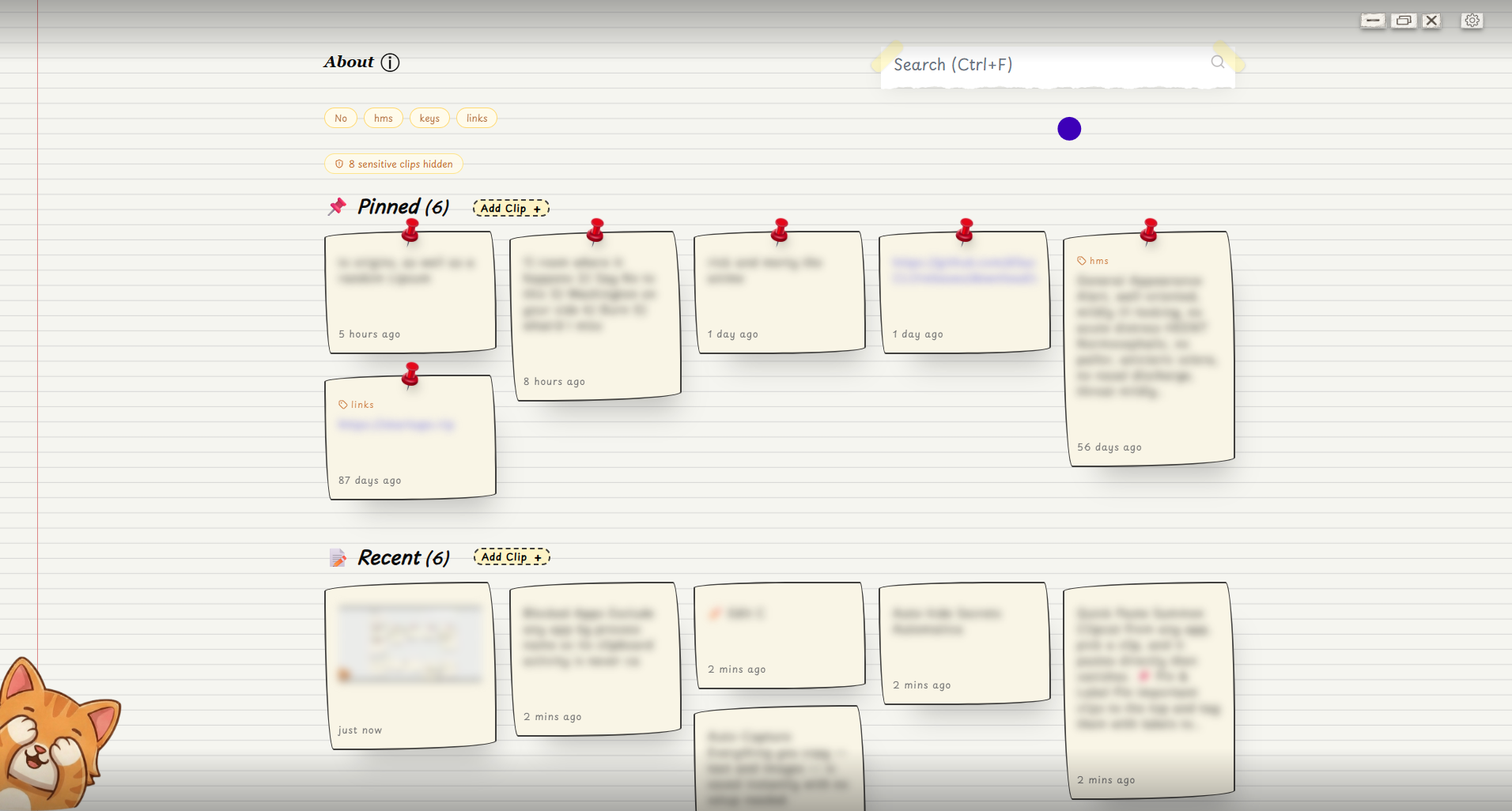
Privacy Mode
Blur all clip content instantly for screen sharing or shoulder-surfing. One keystroke away.
LAN Sync
Sync across devices on your local network, end-to-end encrypted. No server, no account.
Auto-hide Secrets
Passwords, API keys, JWTs and high-entropy strings collapse into their own section automatically.
Pin & Label
Pin important clips to the top, tag with labels, filter with one click.
Edit Clips
Fix typos or rewrite any clip without re-copying from the source.
Image Support
Copied images save as previews and paste back just like text.
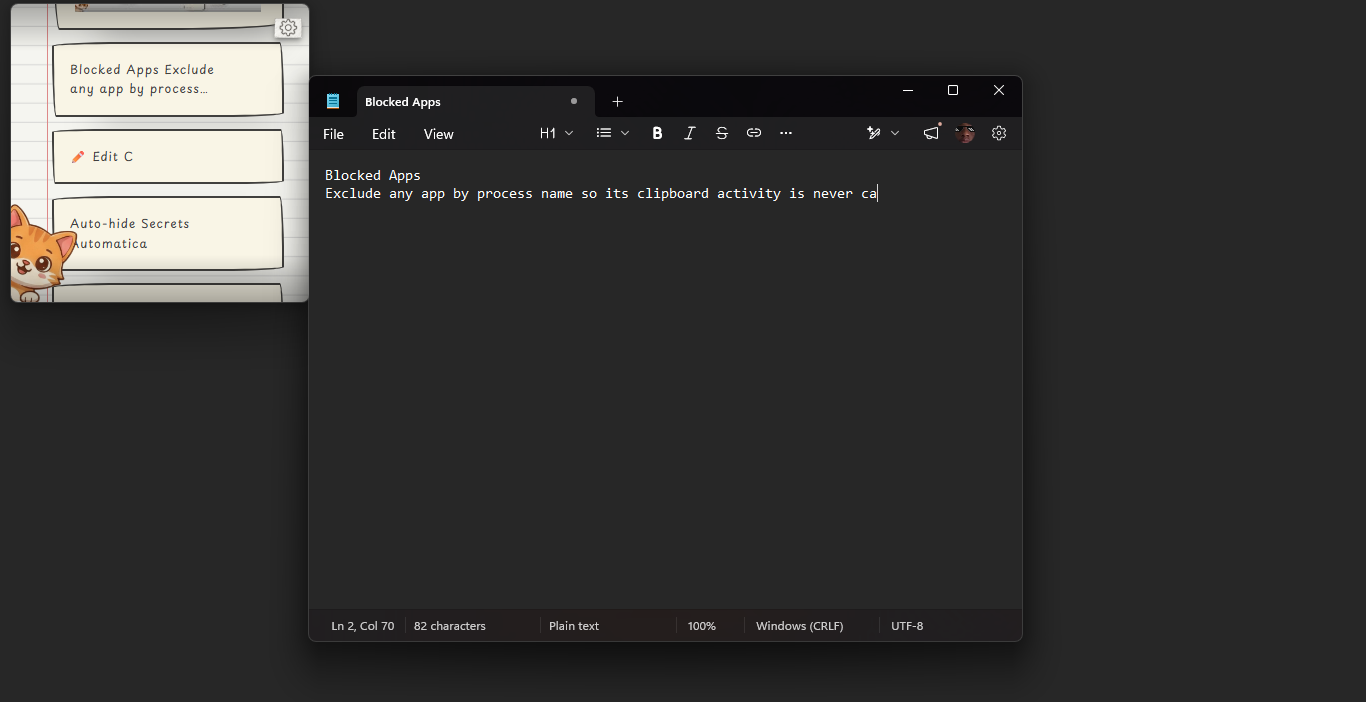
Blocked Apps
Exclude any app by process name so its clipboard is never captured.
Command Palette
Ctrl+K opens every action in a fuzzy-searchable palette. No mouse needed.
Fast by design.
Every action is a key away.
No hunting through menus. The essential actions are at your fingertips, even when Clipcat is tucked away in the tray.
View all shortcutsSee it in action.
Stays out of your way until you need it.
Never lose a copy
again.
Free, open source, and thirty seconds to install.SQLite · local-first · encrypted sync